


BrownDog Coffee Roasting
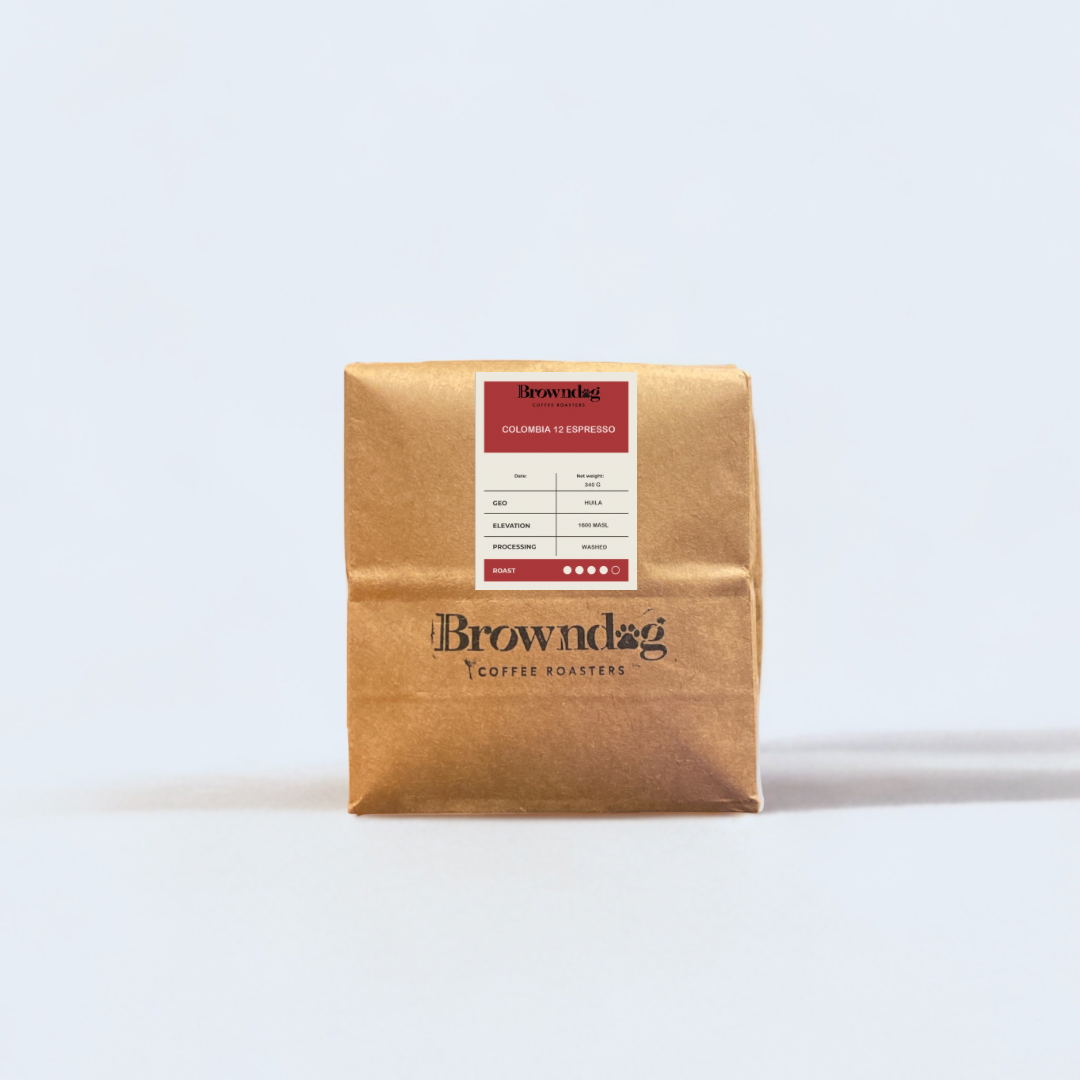
COLOMBIA 12 ESPRESSO - SINGLE ORIGIN
COLOMBIA 12 ESPRESSO - SINGLE ORIGIN
Couldn't load pickup availability
Process: Washed
Region: Cundinamarca, Boyaca
Variety: Colombia, Caturra, Castillo
Altitude: 1200-2000 masl
NOTES: Roasted nut and cocoa, good body, syrupy, molasses, clean finish.
Medium Dark Roast
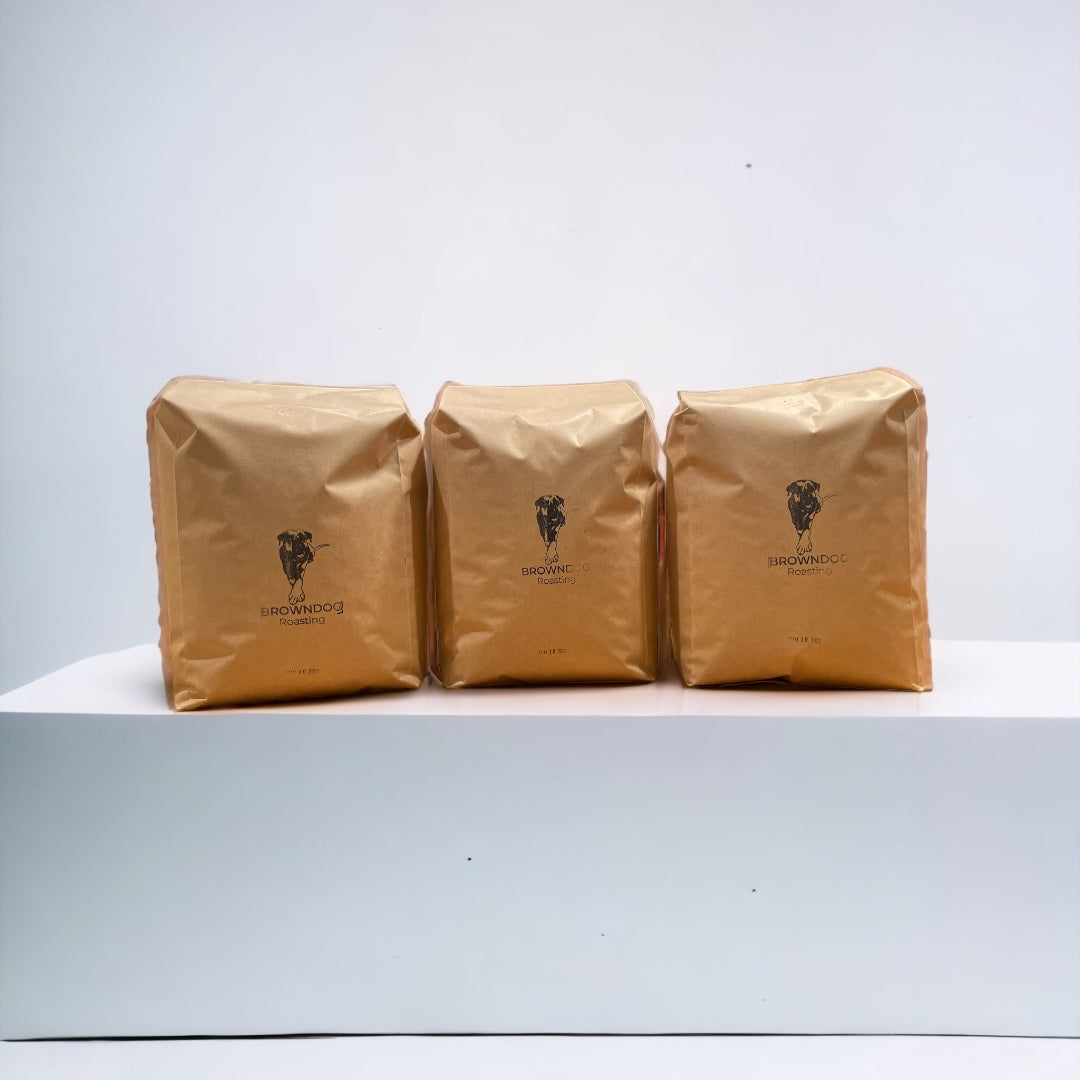
12oz/340gr - Bonney Lake, WA
Colombia 12 Espresso Roast is rich, complex and full-bodied. Enjoy this medium dark roast, made with the finest beans grown in Colombia. Our fresh roast really stands out here with its thick endless crema. This espresso has 5 components and lives up to its name and truly is Perfect.

Roasting & Shipping Information
Please Note: Freshness is important to us. When you order online, rest assured your beans won't be pulled from a shelf. All orders are roasted on Fridays, rested for two days, and shipped/delivered by Monday. Thank you for your patience.
Grinding Settings
Whole Bean - For households with a grinder for fresh grinding at home, our recommended option
MOKA POT
- Coffee: 20g
- Grind: Fine
- Water: 240g
- Ratio: 1:12
- Brew Time: 3:00-6:00 min
FRENCH PRESS
- Coffee: 50g
- Grind: Medium-Coarse
- Water: 700g
- Ratio: 1:14
- Brew Time: 4:00 min
ESPRESSO
- Coffee: 18g
- Grind: Fine
- Yield: 32-36g
- Ratio: 1:2
- Brew Time: 28-30s
Introduce your content
Customers' Common Questions
WHEN DO YOU ROAST?
All of our online orders are roasted to order, and we roast every Friday and ship our coffees by Monday.
ARE WE FAIR TRADE?
We purchase Fair Trade certified coffees, ensuring our farmers are compensated appropriately.
WHAT IS THE ROAST LEVEL & PROFILE?
We roast our coffees individually to emphasize their distinct characteristics, leading to a spectrum of light roast to medium.
HOW DO I CHANGE THE FREQUENCY OF MY SUBSCRIPTION?
To change the order frequency of an existing subscription, please follow these steps:
Select the Account Management icon.
Log in to your account.
Select Manage Subscription.
"Under "Order frequency", select "Change frequency".
Select a new Frequency.
HOW DO I SKIP/RESUME A SHIPMENT?
To skip/resume an order, please follow these steps:
Select the Account Management Icon.
Log in to your account.
Select the Manage Subscription.
Select View Details under the subscription you would like to skip an order for.
Select Manage upcoming orders.
Select Skip Order beside the order you would like to skip.
If your subscription has an order that was skipped that needs to be reversed, you can follow steps 1-6 and select Recover Order to reverse the change that was made earlier.
HOW DO I CANCEL MY SUBSCRIPTION?
To cancel a subscription on your store, please follow these steps:
Select the Account Management Icon.
Log in to your account.
Select Manage Subscription.
Select View Details under the subscription that needs to be cancelled.
Select Cancel Subscription.
Choose a cancellation reason.